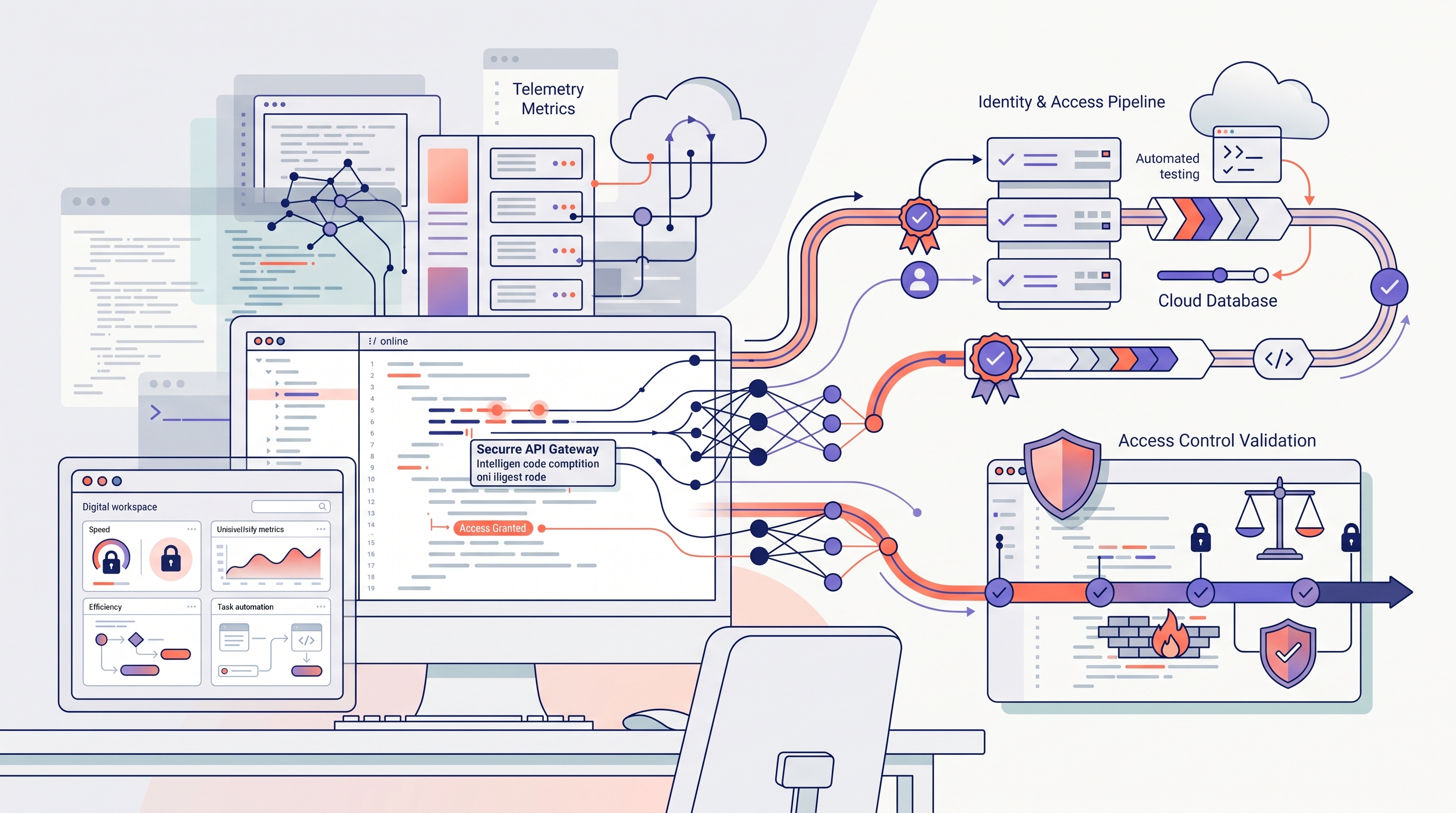
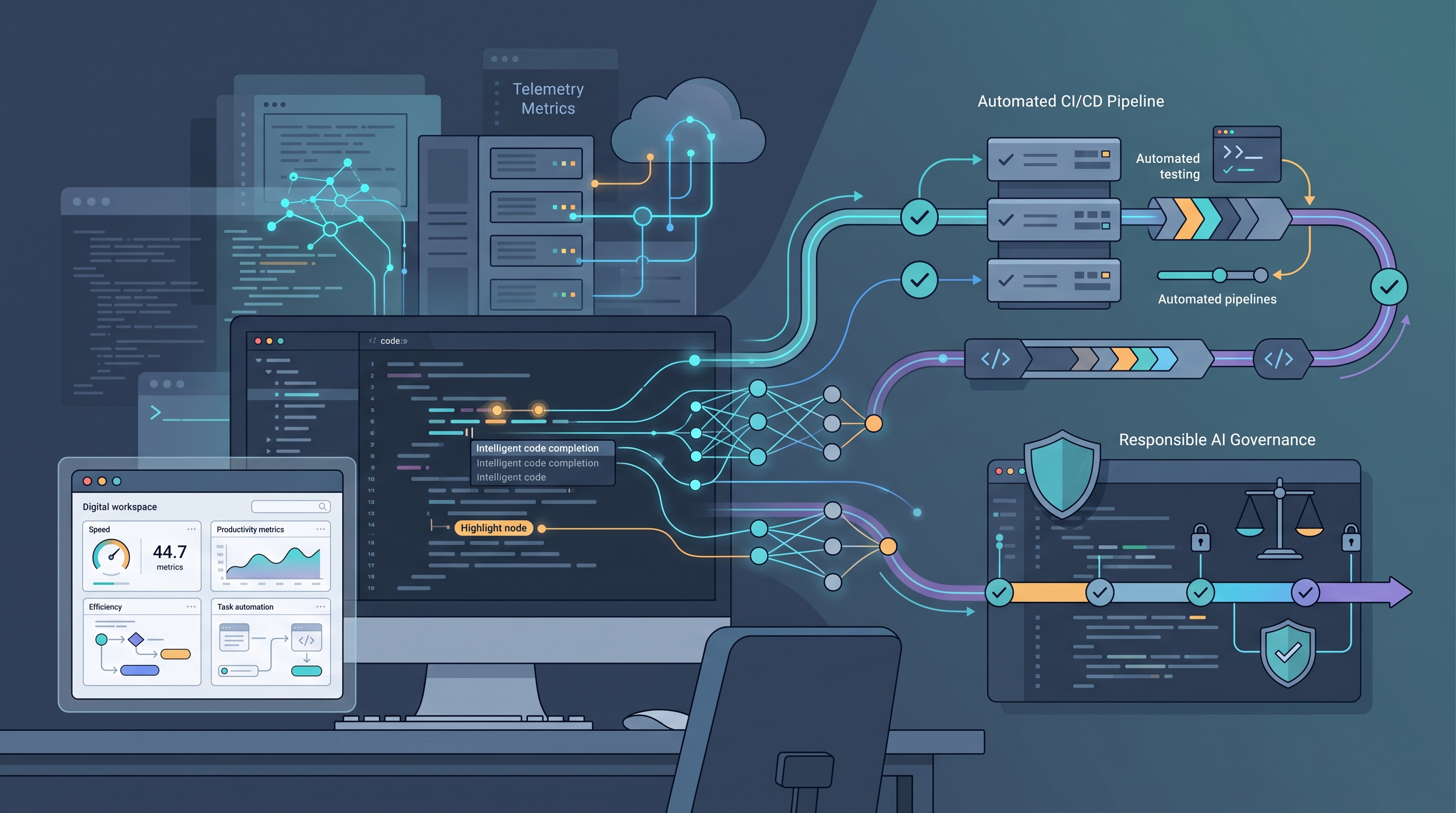
Artificial intelligence is becoming integrated into software engineering workflows, supporting development, testing, debugging, and maintenance.
Pakistan
AI Integration in Modern Software Development
Exploring How Artificial Intelligence Is Transforming Software Engineering Through Intelligent Coding, Automated Testing, Developer Productivity, and Responsible AI Adoption
By Zohaib khan— Technology Correspondent6 min read
Artificial intelligence (AI) is transforming modern software development by introducing new capabilities for code generation, automated testing, debugging, documentation, and software maintenance. AI-powered tools can improve developer productivity, accelerate prototyping, and support decision-making throughout the software development lifecycle. However, their integration also presents challenges related to code reliability, security vulnerabilities, data privacy, maintainability, and overreliance on automated outputs. This article examines the applications, benefits, and limitations of AI in contemporary software engineering, emphasizing the importance of human oversight, systematic testing, and responsible implementation. It also explores practical strategies for integrating AI into existing development workflows and evaluating its impact through measurable indicators such as delivery time, defect rates, review effort, and software quality. The analysis highlights that AI-generated code requires the same rigorous validation as manually written code and that successful adoption depends on aligning AI capabilities with established engineering practices. Ultimately, AI is best understood as an enhancement to software engineering expertise rather than a replacement for it. A balanced, evidence-driven approach can help development teams leverage AI to build secure, reliable, and maintainable software while managing the associated technical and organizational risks.
Introduction
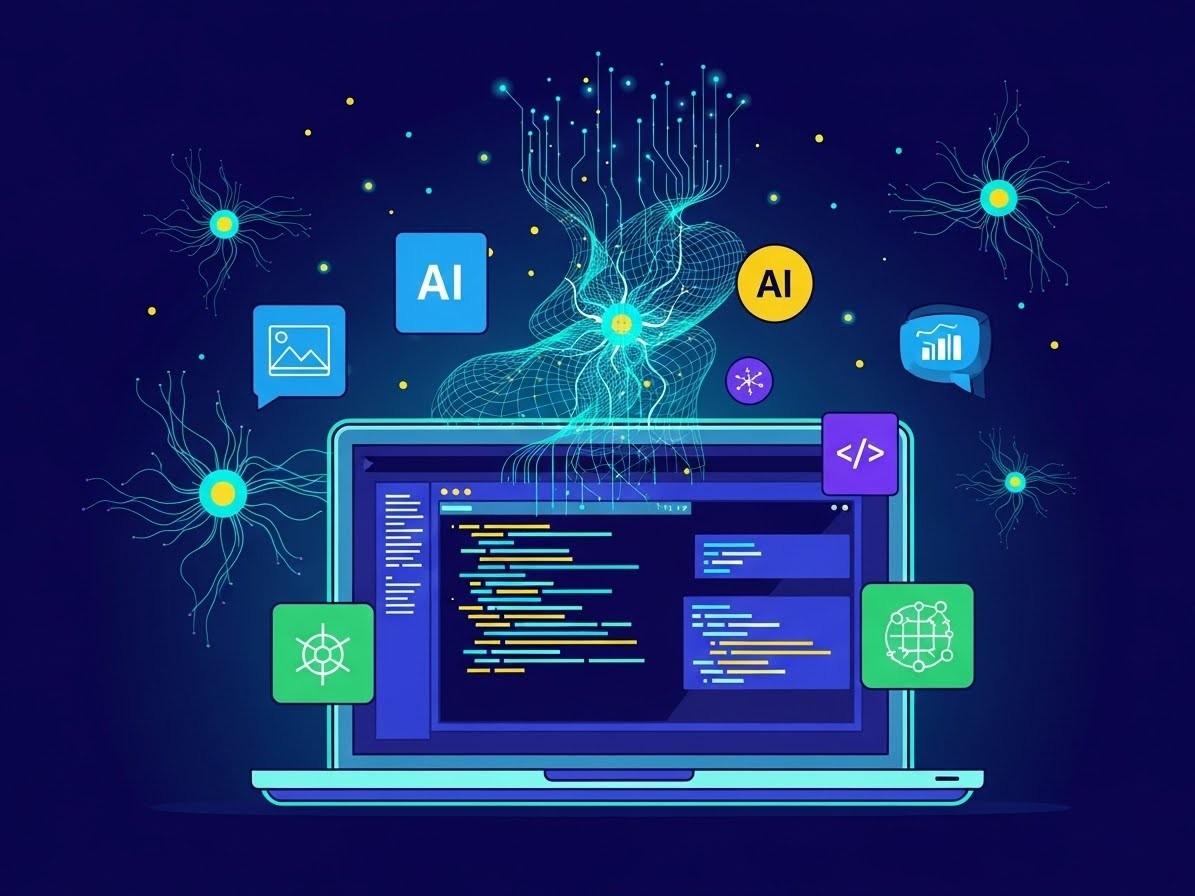
Traditionally, software development has relied heavily on manual coding, conventional testing methods, and developer-driven problem-solving. Although integrated development environments, code completion, automated testing, and continuous integration have improved productivity over time, AI introduces new capabilities by allowing tools to interpret natural-language instructions, analyze code context, generate implementation suggestions, and assist with complex technical workflows.
Modern AI coding assistants and large language models can support several stages of the software development lifecycle. Developers can use them to explore unfamiliar codebases, create test cases, document APIs, investigate errors, and evaluate possible architectural approaches. AI can also help teams understand legacy systems and reduce the time required for certain repetitive engineering activities.
However, integrating AI into software development is not simply a matter of adding a chatbot to an existing workflow. AI-generated code can contain defects, introduce security vulnerabilities, misunderstand business requirements, or rely on outdated assumptions. Its output must therefore be evaluated against the same standards of correctness, security, maintainability, and reliability that apply to manually written software.
The real value of AI in software development lies not in replacing engineering judgment, but in combining AI-assisted execution with human expertise, automated verification, and sound software architecture.
Modern AI coding assistants and large language models can support several stages of the software development lifecycle. Developers can use them to explore unfamiliar codebases, create test cases, document APIs, investigate errors, and evaluate possible architectural approaches. AI can also help teams understand legacy systems and reduce the time required for certain repetitive engineering activities.
However, integrating AI into software development is not simply a matter of adding a chatbot to an existing workflow. AI-generated code can contain defects, introduce security vulnerabilities, misunderstand business requirements, or rely on outdated assumptions. Its output must therefore be evaluated against the same standards of correctness, security, maintainability, and reliability that apply to manually written software.
The real value of AI in software development lies not in replacing engineering judgment, but in combining AI-assisted execution with human expertise, automated verification, and sound software architecture.
Understanding AI Integration in Software Engineering

AI integration refers to incorporating artificial intelligence capabilities into development tools, workflows, and software systems to improve specific tasks or enable new functionality.
In software engineering, this integration generally takes two forms.
The first is AI-assisted development, in which developers use AI tools to help write, explain, test, debug, review, or document code. These tools may operate inside an integrated development environment, through a conversational interface, or as part of an automated development workflow.
The second is AI-powered software functionality, in which artificial intelligence becomes part of the product itself. Examples include recommendation engines, intelligent search, document classification, conversational assistants, anomaly detection, and natural-language interfaces.
These approaches serve different purposes. An AI coding assistant helps developers build software, whereas an AI-powered application uses AI to deliver functionality to end users.
A modern engineering organization may adopt both. Developers might use an AI assistant to implement an application feature while integrating a machine-learning model or language model into the finished product.
The distinction matters because each approach introduces different requirements. Developer-facing AI raises questions about code quality, intellectual property, access control, and workflow efficiency. AI-powered products additionally require evaluation of model accuracy, inference latency, operating costs, privacy, and user safety.
In software engineering, this integration generally takes two forms.
The first is AI-assisted development, in which developers use AI tools to help write, explain, test, debug, review, or document code. These tools may operate inside an integrated development environment, through a conversational interface, or as part of an automated development workflow.
The second is AI-powered software functionality, in which artificial intelligence becomes part of the product itself. Examples include recommendation engines, intelligent search, document classification, conversational assistants, anomaly detection, and natural-language interfaces.
These approaches serve different purposes. An AI coding assistant helps developers build software, whereas an AI-powered application uses AI to deliver functionality to end users.
A modern engineering organization may adopt both. Developers might use an AI assistant to implement an application feature while integrating a machine-learning model or language model into the finished product.
The distinction matters because each approach introduces different requirements. Developer-facing AI raises questions about code quality, intellectual property, access control, and workflow efficiency. AI-powered products additionally require evaluation of model accuracy, inference latency, operating costs, privacy, and user safety.
AI Across the Software Development Lifecycle
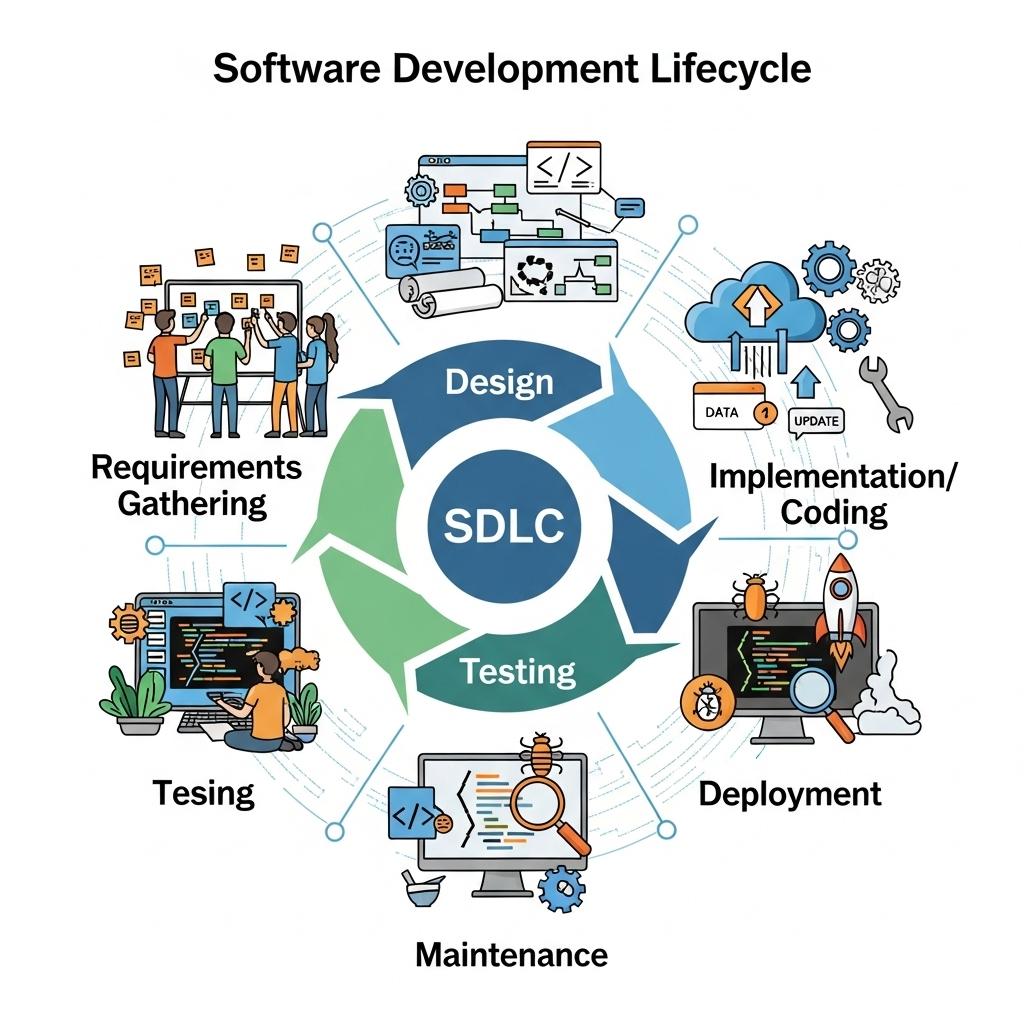
AI can contribute to multiple stages of software development, although its effectiveness varies by task and implementation.
Software projects often begin with business requirements expressed in natural language. These requirements may be incomplete, ambiguous, or inconsistent.
AI tools can help summarize requirements, identify missing details, propose acceptance criteria, and transform high-level descriptions into preliminary technical specifications.
For example, a request to build a customer registration system could be expanded into validation rules, password recovery requirements, access-control considerations, and error-handling scenarios.
Developers can describe a desired function in natural language, provide existing code as context, and ask an AI assistant to propose an implementation. Depending on the tool and task, it may generate functions, reusable components, database queries, API endpoints, or configuration files.
For example, a Flutter developer could request a form component with input validation, loading states, and error handling. The assistant may generate a starting implementation that the developer can review and adapt to the application's architecture.
AI tools can generate candidate unit tests, suggest edge cases, create test data, explain failed test results, and help identify areas with insufficient coverage. They may also assist in maintaining tests when application interfaces or implementation details change.
For example, a payment calculation function should be tested not only with ordinary values but also with zero amounts, invalid inputs, rounding differences, boundary conditions, and unexpected data.
AI assistants can help developers interpret error messages, trace likely causes of failures, and suggest potential fixes. They may analyze stack traces, compare related code paths, or explain unfamiliar framework behavior.
During code review, AI can flag suspicious logic, missing validation, duplicated code, or potential security weaknesses. This can make reviews more focused, particularly in large projects.
Software projects often begin with business requirements expressed in natural language. These requirements may be incomplete, ambiguous, or inconsistent.
AI tools can help summarize requirements, identify missing details, propose acceptance criteria, and transform high-level descriptions into preliminary technical specifications.
For example, a request to build a customer registration system could be expanded into validation rules, password recovery requirements, access-control considerations, and error-handling scenarios.
Developers can describe a desired function in natural language, provide existing code as context, and ask an AI assistant to propose an implementation. Depending on the tool and task, it may generate functions, reusable components, database queries, API endpoints, or configuration files.
For example, a Flutter developer could request a form component with input validation, loading states, and error handling. The assistant may generate a starting implementation that the developer can review and adapt to the application's architecture.
AI tools can generate candidate unit tests, suggest edge cases, create test data, explain failed test results, and help identify areas with insufficient coverage. They may also assist in maintaining tests when application interfaces or implementation details change.
For example, a payment calculation function should be tested not only with ordinary values but also with zero amounts, invalid inputs, rounding differences, boundary conditions, and unexpected data.
AI assistants can help developers interpret error messages, trace likely causes of failures, and suggest potential fixes. They may analyze stack traces, compare related code paths, or explain unfamiliar framework behavior.
During code review, AI can flag suspicious logic, missing validation, duplicated code, or potential security weaknesses. This can make reviews more focused, particularly in large projects.
Major Benefits of AI Integration

AI can reduce the time required for certain tasks, particularly boilerplate generation, code explanation, routine documentation, and test scaffolding.
Junior developers may benefit from interactive explanations, while experienced engineers can use AI to explore unfamiliar APIs or understand complicated implementation details.
AI can help transform an idea into a working prototype more quickly by generating initial components, mock data, API examples, or alternative implementations.
AI tools can help developers navigate unfamiliar repositories, understand dependency relationships, and summarize large amounts of technical information.
Junior developers may benefit from interactive explanations, while experienced engineers can use AI to explore unfamiliar APIs or understand complicated implementation details.
AI can help transform an idea into a working prototype more quickly by generating initial components, mock data, API examples, or alternative implementations.
AI tools can help developers navigate unfamiliar repositories, understand dependency relationships, and summarize large amounts of technical information.
Subscribe to our weekly newsletter
Get the week's top stories from Asia delivered to your inbox — free, once a week.
Risks and Challenges of AI Adoption

AI models can generate code that compiles successfully but behaves incorrectly. They may overlook authorization checks, misuse cryptographic functions, mishandle user input, or introduce vulnerable dependencies.
When developers submit source code, logs, customer records, or configuration files to external AI services, they must consider how that information is processed and protected.
AI can make it easier to produce code without fully understanding how it works. Over time, excessive reliance may weaken debugging skills, architectural reasoning, or the ability to evaluate unfamiliar implementations.
AI-generated implementations may vary between requests, use inconsistent patterns, or introduce unnecessary abstractions. When many such changes accumulate, a codebase can become harder to maintain.
When developers submit source code, logs, customer records, or configuration files to external AI services, they must consider how that information is processed and protected.
AI can make it easier to produce code without fully understanding how it works. Over time, excessive reliance may weaken debugging skills, architectural reasoning, or the ability to evaluate unfamiliar implementations.
AI-generated implementations may vary between requests, use inconsistent patterns, or introduce unnecessary abstractions. When many such changes accumulate, a codebase can become harder to maintain.
Integrating AI into a Modern Development Workflow

Step 1: Identify suitable tasks
Step 2: Establish clear project context
Step 3: Generate and review changes
Step 4: Verify with automated checks
Step 5: Monitor results and improve the process
Step 2: Establish clear project context
Step 3: Generate and review changes
Step 4: Verify with automated checks
Step 5: Monitor results and improve the process
Measuring the Impact of AI on Software Quality
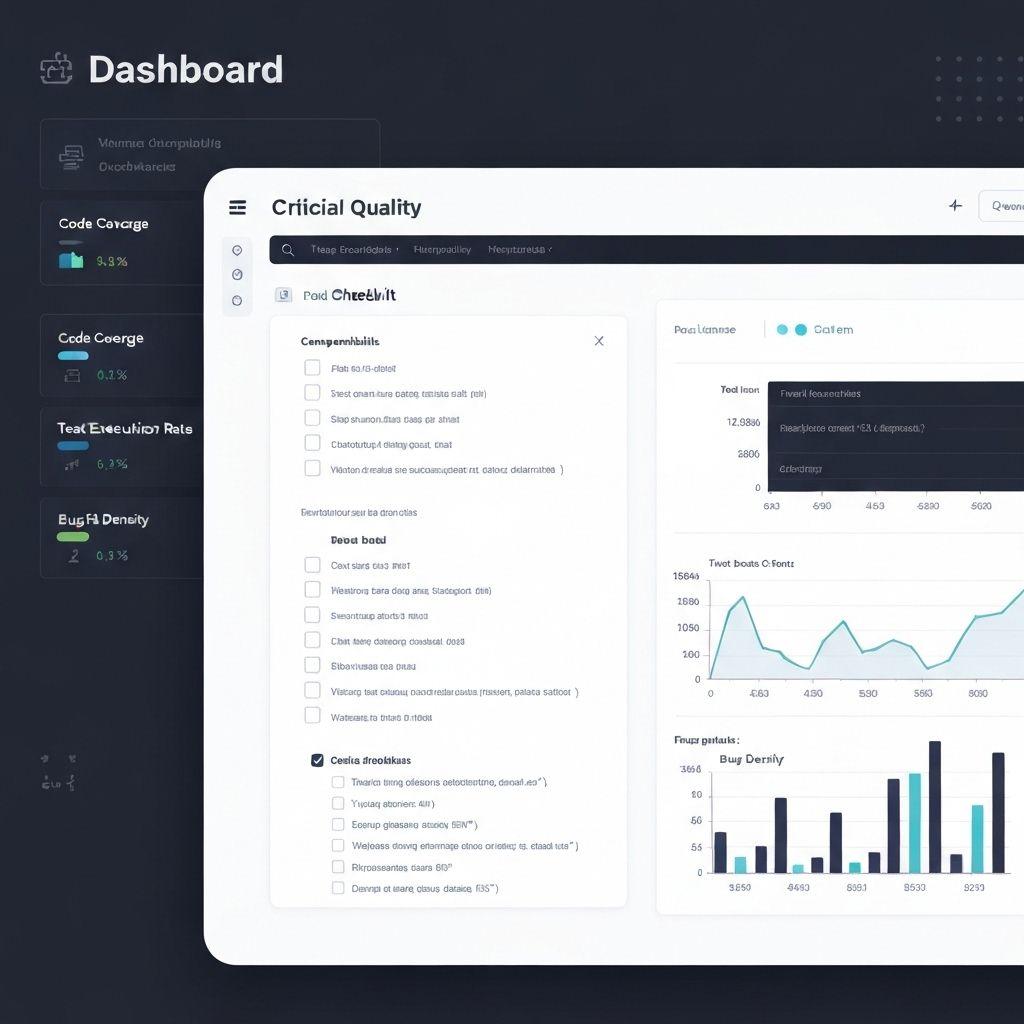
Evaluating AI adoption requires more than counting generated lines of code or accepted suggestions.
Useful measurements include:
Delivery time: How long does it take to complete a task from initial requirements to verified release?
Defect rates: Do changes introduce more production issues or regressions?
Review effort: How much time do developers spend checking and correcting generated code?
Test effectiveness: Do tests detect meaningful defects and cover important edge cases?
Maintainability: Are changes consistent with architectural conventions and easy to modify?
Security outcomes: Are vulnerabilities identified and resolved before deployment?
Developer experience: Does AI reduce repetitive work without creating excessive review or debugging effort?
Useful measurements include:
Delivery time: How long does it take to complete a task from initial requirements to verified release?
Defect rates: Do changes introduce more production issues or regressions?
Review effort: How much time do developers spend checking and correcting generated code?
Test effectiveness: Do tests detect meaningful defects and cover important edge cases?
Maintainability: Are changes consistent with architectural conventions and easy to modify?
Security outcomes: Are vulnerabilities identified and resolved before deployment?
Developer experience: Does AI reduce repetitive work without creating excessive review or debugging effort?
Conclusion
Artificial intelligence is changing modern software development by supporting coding, testing, debugging, documentation, and technical problem-solving. When integrated carefully, these capabilities can reduce repetitive effort, accelerate experimentation, and improve access to technical knowledge.
Nevertheless, AI is not a substitute for sound engineering practices. Incorrect code, security vulnerabilities, privacy concerns, inconsistent implementations, and overreliance can offset its benefits when generated output is accepted without sufficient review.
Nevertheless, AI is not a substitute for sound engineering practices. Incorrect code, security vulnerabilities, privacy concerns, inconsistent implementations, and overreliance can offset its benefits when generated output is accepted without sufficient review.